The Multi-Currency Expert Advisor in this article is Expert Advisor or trading robot that can trade (open orders, close orders and manage orders for example: Trailing Stop Loss and Trailing Profit) for more than 1 symbol pair only from one symbol chart. This time we will use only 1 indicator, namely Parabolic SAR or iSAR in multi-timeframes starting from PERIOD_M15 to PERIOD_D1.
We continue studying the environment in reinforcement learning models. And in this article we will look at another algorithm – Go-Explore, which allows you to effectively explore the environment at the model training stage.
One of the key problems within reinforcement learning is environmental exploration. Previously, we have already seen the research method based on Intrinsic Curiosity. Today I propose to look at another algorithm: Exploration via Disagreement.
In the previous article, we discussed relational models which use attention mechanisms in their architecture. One of the specific features of these models is the intensive utilization of computing resources. In this article, we will consider one of the mechanisms for reducing the number of computational operations inside the Self-Attention block. This will increase the general performance of the model.
When creating any trading system, there is a task we need to deal with effectively. This task is order placement or to let the created trading system deal with orders automatically because it is crucial in any trading system. So, you will find in this article most of the topics that you need to understand about this task to create your trading system in terms of order placement effectively.
The Multi-Currency Expert Advisor in this article is Expert Advisor or trading robot that can trade (open orders, close orders and manage orders an more) for more than 1 symbol pair only from one symbol chart.
Object-oriented programming enables creation of a more compact code that is easy to read and modify. Here we will have a look at the example for three ONNX models.
Old trading strategies. This article presents one of the strategies used to follow the trend in a purely technical way. The strategy is purely technical and uses a few technical indicators and tools to deliver signals and targets. The components of the strategy are as follows: A 14-period stochastic oscillator. A 5-period stochastic oscillator. A 200-period moving average. A Fibonacci projection tool (for target setting).
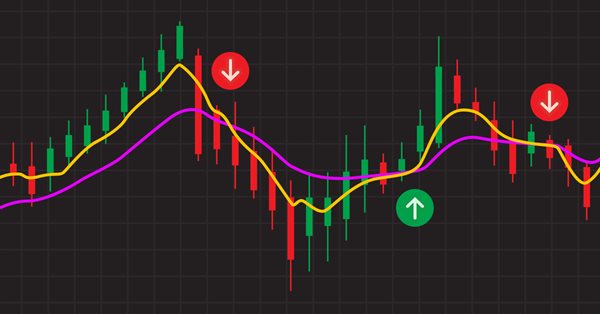
Combinations of strategies may offer better opportunities. We can combine indicators or patterns together, or even better, indicators with patterns, so that we get an extra confirmation factor. Moving averages help us confirm and ride the trend. They are the most known technical indicators and this is because of their simplicity and their proven track record of adding value to analyses.
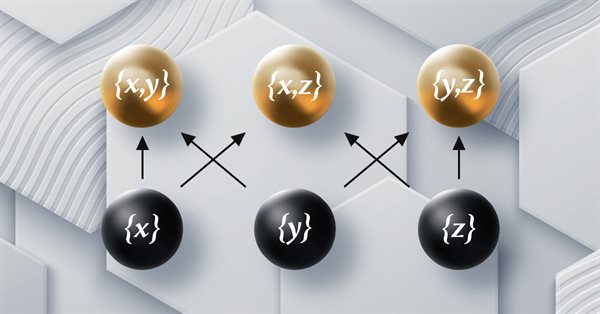
This article which is part of a series that follows Category Theory implementation of Graphs in MQL5, delves in Orders. We examine how concepts of Order-Theory can support monoid sets in informing trade decisions by considering two major ordering types.
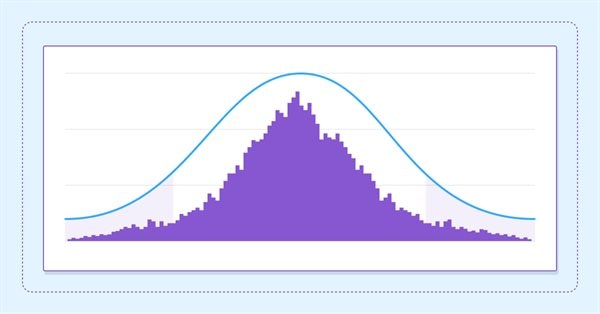
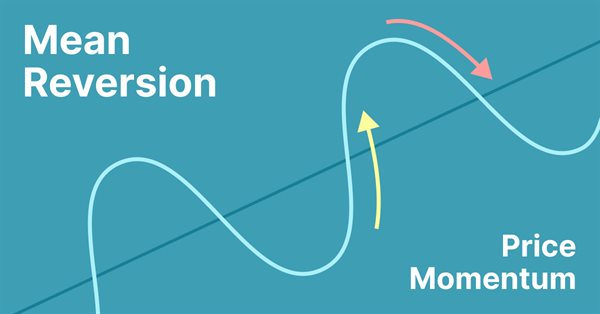
Mean reversion is a type of contrarian trading where the trader expects the price to return to some form of equilibrium which is generally measured by a mean or another central tendency statistic.
This article is a continuation in a series that look at Category Theory implementation in MQL5. In here we examine how Graph-Theory could be integrated with monoids and other data structures when developing a close-out strategy to a trading system.
This article continues the series on category theory implementation in MQL5. Here we look at monoid-groups as a means normalising monoid sets making them more comparable across a wider span of monoid sets and data types..
In this article, we will put into practice all the knowledge from this series. We will finally build a 100% automated and functional system. But before that, we still have to learn one last detail.
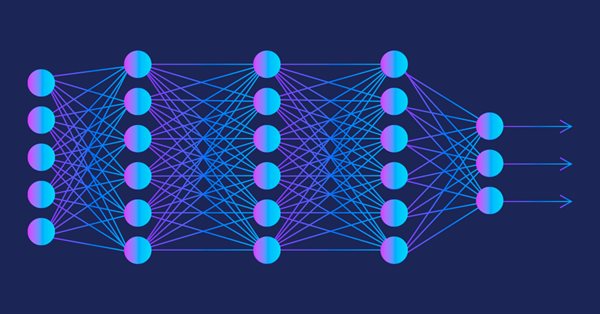
The multilayer perceptron is an evolution of the simple perceptron which can solve non-linear separable problems. Together with the backpropagation algorithm, this neural network can be effectively trained. In Part 3 of the Multilayer Perceptron and Backpropagation series, we'll see how to integrate this technique into the Strategy Tester. This integration will allow the use of complex data analysis aimed at making better decisions to optimize your trading strategies. In this article, we will discuss the advantages and problems of this technique.
The article considers the grid trading approach based on stop pending orders and implemented in an MQL5 Expert Advisor on the Moscow Exchange (MOEX). When trading in the market, one of the simplest strategies is a grid of orders designed to "catch" the market price.
Do you know what a flowchart is? Can you use it? Do you think flowcharts are for beginners? I suggest that we proceed to this new article and learn how to work with flowcharts.
The article provides an example of using a perceptron as a self-sufficient price prediction tool by showcasing general concepts and the simplest ready-made Expert Advisor followed by the results of its optimization.
Neural networks are an ultimate tool in traders' toolkit. Let's check if this assumption is true. MetaTrader 5 is approached as a self-sufficient medium for using neural networks in trading. A simple explanation is provided.
In this article, I will consider a simple template for creating a universal MetaTrader robot that can be used on multiple charts while being attached to only one chart, without the need to configure each instance of the robot on each individual chart.
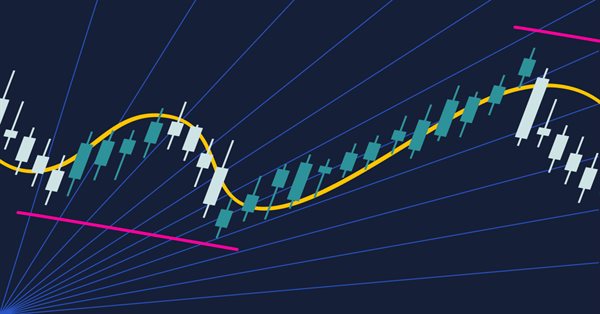
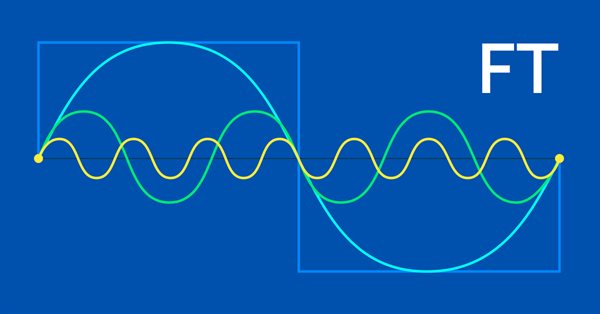
The Fourier transform introduced by Joseph Fourier is a means of deconstructing complex data wave points into simple constituent waves. This feature could be resourceful to traders and this article takes a look at that.
If you think automated systems are simple, then you probably don't fully understand what it takes to create them. In this article, we will talk about the problem that kills a lot of Expert Advisors. The indiscriminate triggering of orders is a possible solution to this problem.
Category Theory is a diverse and expanding branch of Mathematics which is only recently getting some coverage in the MQL5 community. These series of articles look to explore and examine some of its concepts & axioms with the overall goal of establishing an open library that provides insight while also hopefully furthering the use of this remarkable field in Traders' strategy development.
An automated system will not be successful without proper security. However, security will not be ensured without a good understanding of certain things. In this article, we will explore why achieving maximum security in automated systems is such a challenge.
Automation means nothing if you cannot control its schedule. No worker can be efficient working 24 hours a day. However, many believe that an automated system should operate 24 hours a day. But it is always good to have means to set a working time range for the EA. In this article, we will consider how to properly set such a time range.
Although the creation of an automated EA is not a very difficult task, however, many mistakes can be made without the necessary knowledge. In this article, we will look at how to build the first level of automation, which consists in creating a trigger to activate breakeven and a trailing stop level.
In this article, I will use experimentation and non-standard approaches to develop a profitable trading system and check whether neural networks can be of any help for traders. MetaTrader 5 as a self-sufficient tool for using neural networks in trading. Simple explanation.
In the reinforcement learning models we discussed in previous article, we used various variants of convolutional networks that are able to identify various objects in the original data. The main advantage of convolutional networks is the ability to identify objects regardless of their location. At the same time, convolutional networks do not always perform well when there are various deformations of objects and noise. These are the issues which the relational model can solve.
Category Theory is a diverse and expanding branch of Mathematics which is only recently getting some coverage in the MQL5 community. These series of articles look to explore and examine some of its concepts & axioms with the overall goal of establishing an open library that provides insight while also hopefully furthering the use of this remarkable field in Traders' strategy development.
We continue to study reinforcement learning algorithms. All the algorithms we have considered so far required the creation of a reward policy to enable the agent to evaluate each of its actions at each transition from one system state to another. However, this approach is rather artificial. In practice, there is some time lag between an action and a reward. In this article, we will get acquainted with a model training algorithm which can work with various time delays from the action to the reward.
In this article, we will see how to use the event handling system to quickly and efficiently process issues related to the order system. With this system the EA will work faster, so that it will not have to constantly search for the required data.
We continue studying distributed Q-learning algorithms. In previous articles, we have considered distributed and quantile Q-learning algorithms. In the first algorithm, we trained the probabilities of given ranges of values. In the second algorithm, we trained ranges with a given probability. In both of them, we used a priori knowledge of one distribution and trained another one. In this article, we will consider an algorithm which allows the model to train for both distributions.
Today we'll see how to create an Expert Advisor that simply and safely works in automatic mode. The trader should always be aware of what the automatic EA is doing, so that if it "goes off the rails", the trader could remove it from the chart as soon as possible and take control of the situation.
We continue studying distributed Q-learning. Today we will look at this approach from the other side. We will consider the possibility of using quantile regression to solve price prediction tasks.
Today we'll see how to create an Expert Advisor that simply and safely works in automatic mode. Our EA in its current state can work in any situation but it is not yet ready for automation. We still have to work on a few points.
Today we'll see how to create an Expert Advisor that simply and safely works in automatic mode. At the end of the previous article, I suggested that it would be appropriate to allow manual use of the EA, at least for a while.