In this article, I will consider the Firefly Algorithm (FA) optimization method. Thanks to the modification, the algorithm has turned from an outsider into a real rating table leader.
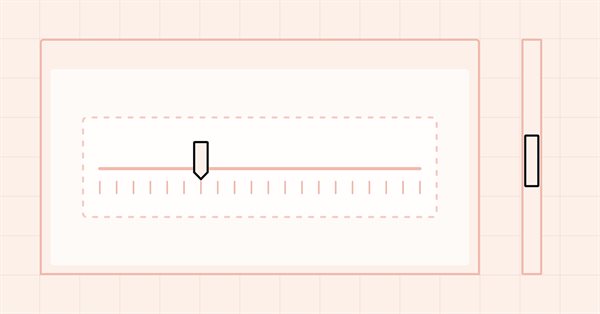
In this article, I will continue the development of the ScrollBar control and start implementing the mouse interaction functionality. In addition, I will expand the lists of mouse state flags and events.
Machine learning has become a popular method for strategy development. Whilst there has been more emphasis on maximizing profitability and prediction accuracy , the importance of processing the data used to build predictive models has not received a lot of attention. In this article we consider using the concept of entropy to evaluate the appropriateness of indicators to be used in predictive model building as documented in the book Testing and Tuning Market Trading Systems by Timothy Masters.
Fish School Search (FSS) is a new optimization algorithm inspired by the behavior of fish in a school, most of which (up to 80%) swim in an organized community of relatives. It has been proven that fish aggregations play an important role in the efficiency of foraging and protection from predators.
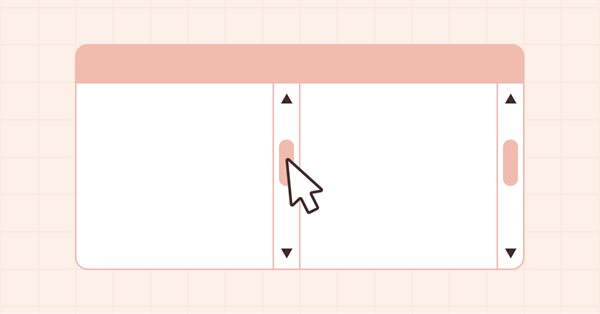
In this article, I will start developing the ScrollBar auxiliary control element and its derivative objects — vertical and horizontal scrollbars. A scrollbar is used to scroll the content of the form if it goes beyond the container. Scrollbars are usually located at the bottom and to the right of the form. The horizontal one at the bottom scrolls content left and right, while the vertical one scrolls up and down.
We will begin the journey to explore the steps and workflow on how to base development for MetaTrader 5 platform solely on Linux system in which the final product works seamlessly on both Windows and Linux system. We will get to know Wine, and Mingw; both are the essential tools to make cross-platform development works. Especially Mingw for its threading implementations (POSIX, and Win32) that we need to consider in choosing which one to go with. We then build a proof-of-concept DLL and consume it in MQL5 code, finally compare the performance of both threading implementations. All for your foundation to expand further on your own. You should be comfortable building MT related tools on Linux after reading this article.
The article describes the versatile capabilities of services — MQL5 programs that do not require binding graphs. I will also highlight the differences of services from other MQL5 programs and emphasize the nuances of the developer's work with services. As examples, the reader is offered various tasks covering a wide range of functionality that can be implemented as a service.
The next algorithm I will consider is cuckoo search optimization using Levy flights. This is one of the latest optimization algorithms and a new leader in the leaderboard.
Let's consider one of the newest modern optimization algorithms - Grey Wolf Optimization. The original behavior on test functions makes this algorithm one of the most interesting among the ones considered earlier. This is one of the top algorithms for use in training neural networks, smooth functions with many variables.
In this article, we will study the algorithm of an artificial bee colony and supplement our knowledge with new principles of studying functional spaces. In this article, I will showcase my interpretation of the classic version of the algorithm.
In this article, I will make an attempt to consider some ways of building non-linear indicators and their use in trading. There are quite a few indicators in the MetaTrader trading platform that use non-linear approaches.
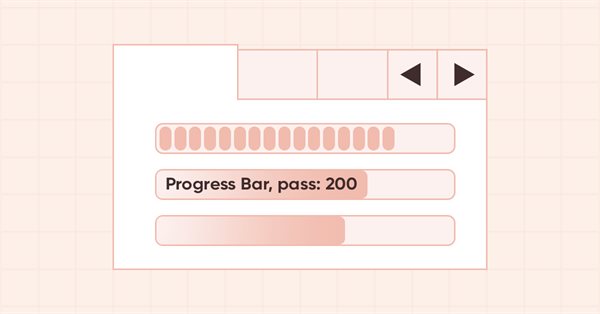
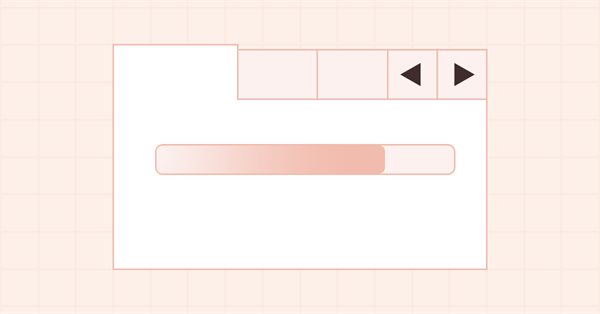
In this article, I will continue the development of the ProgressBar control. In particular, I will create the functionality for managing the progress bar and visual effects.
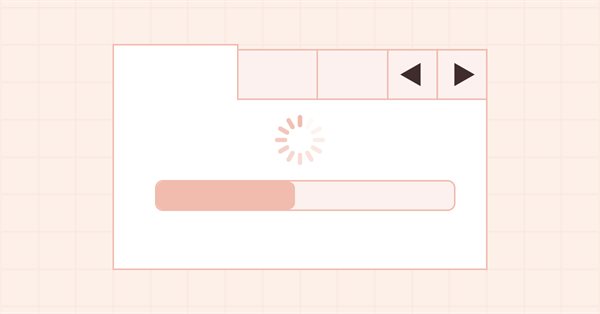
In this article, I will complete the development of the ToolTip control and start the development of the ProgressBar WinForms object. While working on objects, I will develop universal functionality for animating controls and their components.
In this article, I will start developing the Tooltip control, as well as new graphical primitives for the library. Naturally, not every element has a tooltip, but every graphical object has the ability to set it.
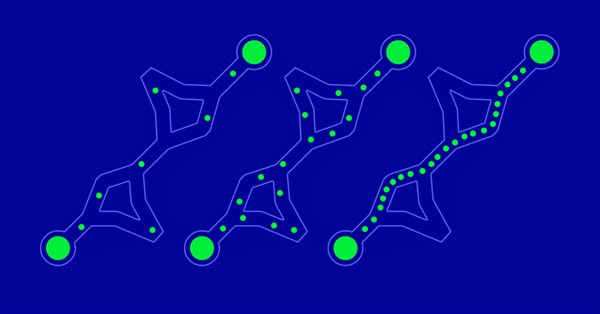
This time I will analyze the Ant Colony optimization algorithm. The algorithm is very interesting and complex. In the article, I make an attempt to create a new type of ACO.
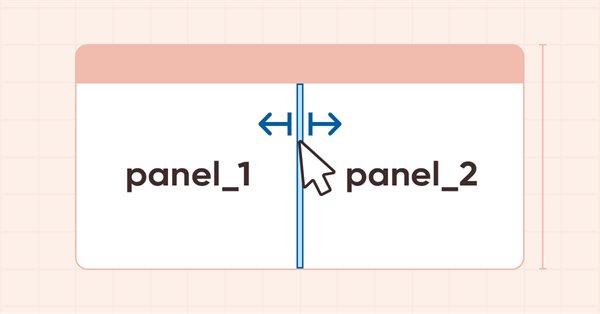
In this article, I will revise the logic of specifying the base and main objects for all WinForms library objects, develop a new Hint base object and several of its derived classes to indicate the possible direction of moving the separator.
In this article, I will consider several possible approaches to creating adaptive indicators. Adaptive indicators are distinguished by the presence of feedback between the values of the input and output signals. This feedback allows the indicator to independently adjust to the optimal processing of financial time series values.
In this article, I will add new mouse events relative to the boundaries of the working areas of WinForms objects and fix some shortcomings in the functioning of the TabControl and SplitContainer controls.
In this article, I will consider the popular Particle Swarm Optimization (PSO) algorithm. Previously, we discussed such important characteristics of optimization algorithms as convergence, convergence rate, stability, scalability, as well as developed a test stand and considered the simplest RNG algorithm.
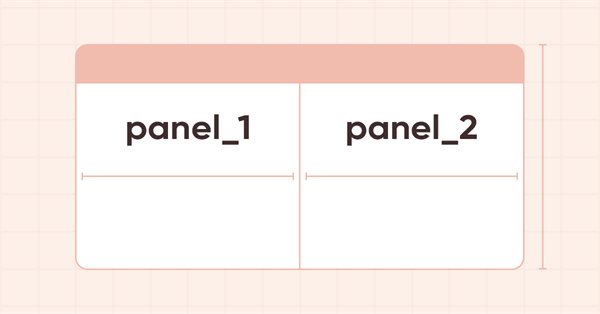
In the current article, I will start developing the SplitContainer control from the MS Visual Studio toolkit. This control consists of two panels separated by a vertical or horizontal movable separator.
In this article, we will learn how to make the MetaTrader 5 platform talk. What if we make the EA more fun? Financial market trading is often too boring and monotonous, but we can make this job less tiring. Please note that this project can be dangerous for those who experience problems such as addiction. However, in a general case, it just makes things less boring.
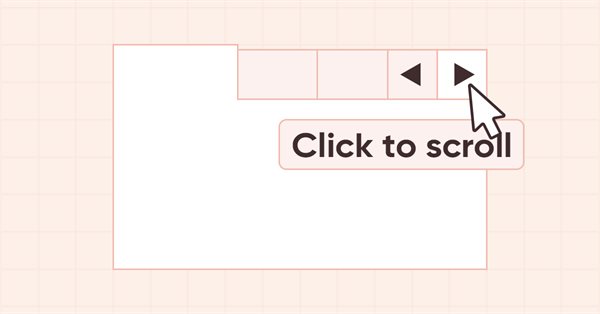
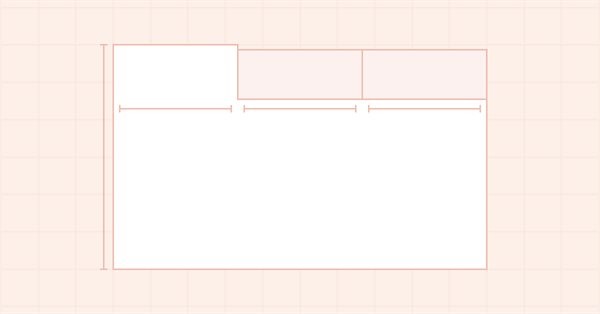
In this article, I will create the functionality for scrolling tab headers in TabControl using scrolling buttons. The functionality is meant to place tab headers into a single line from either side of the control.
In this article, I will place header scrolling control buttons in TabControl WinForms object in case the header bar does not fit the size of the control. Besides, I will implement the shift of the header bar when clicking on the cropped tab header.
There is still one task which our order system is not up to, but we will FINALLY figure it out. The MetaTrader 5 provides a system of tickets which allows creating and correcting order values. The idea is to have an Expert Advisor that would make the same ticket system faster and more efficient.
In this article, I will create the functionality for hiding object sections located beyond their containers. Besides, I will create auxiliary arrow button objects to be used as part of other WinForms objects.
In this article, I will continue the development of TabControl and implement the arrangement of tab headers on all four sides of the control for all modes of setting the size of headers: Normal, Fixed and Fill To Right.
In this article, I will consider the algorithms allowing you to create your own technical indicator. You will learn how to obtain pretty complex and interesting results with very simple initial assumptions.
In this article, I will show you how to calculate the total profit or loss of any trade, including commission and swap. I will provide the most accurate mathematical model and use it to write the code and compare it with the standard. Besides, I will also try to get on the inside of the main MQL5 function to calculate profit and get to the bottom of all the necessary values from the specification.
Let's move on to a more complete order system directly on the chart. In this article, I will show a way to fix the order system, or rather, to make it more intuitive.
In this article, I will continue working on the TabControl WinForm object — I will create a tab field object class, make it possible to arrange tab headers in several rows and add methods for handling object tabs.
Today we will take our order system to the next level. But before that, we need to solve a few problems. Now we have some questions that are related to how we want to work and what things we do during the trading day.
In this article, we will make the final step towards the EA's performance. So, be prepared for a long read. To make our Expert Advisor reliable, we will first remove everything from the code that is not part of the trading system.
This is an introductory article on optimization algorithm (OA) classification. The article attempts to create a test stand (a set of functions), which is to be used for comparing OAs and, perhaps, identifying the most universal algorithm out of all widely known ones.
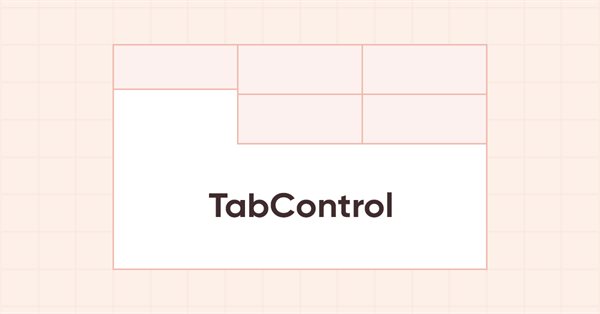
In this article, I will create a new algorithm for naming all graphical elements meant for building custom graphics, as well as continue developing the TabControl WinForms object.
In this article, I will fix and optimize handling the appearance of WinForms objects after moving the mouse cursor away from the object, as well as start the development of the TabControl WinForms object.